Korsaros sets sail in Godot
Korsaros has a native Godot client on Steam. Choose your patron in the sanctuary, bring a party to a god’s dungeon, or take a newly hatched companion out to sea. Here is what has changed since our October harbour update.
Live · 0.30.7 · 2026-11-05T01:03:10+01:00
Your first voyage in Godot
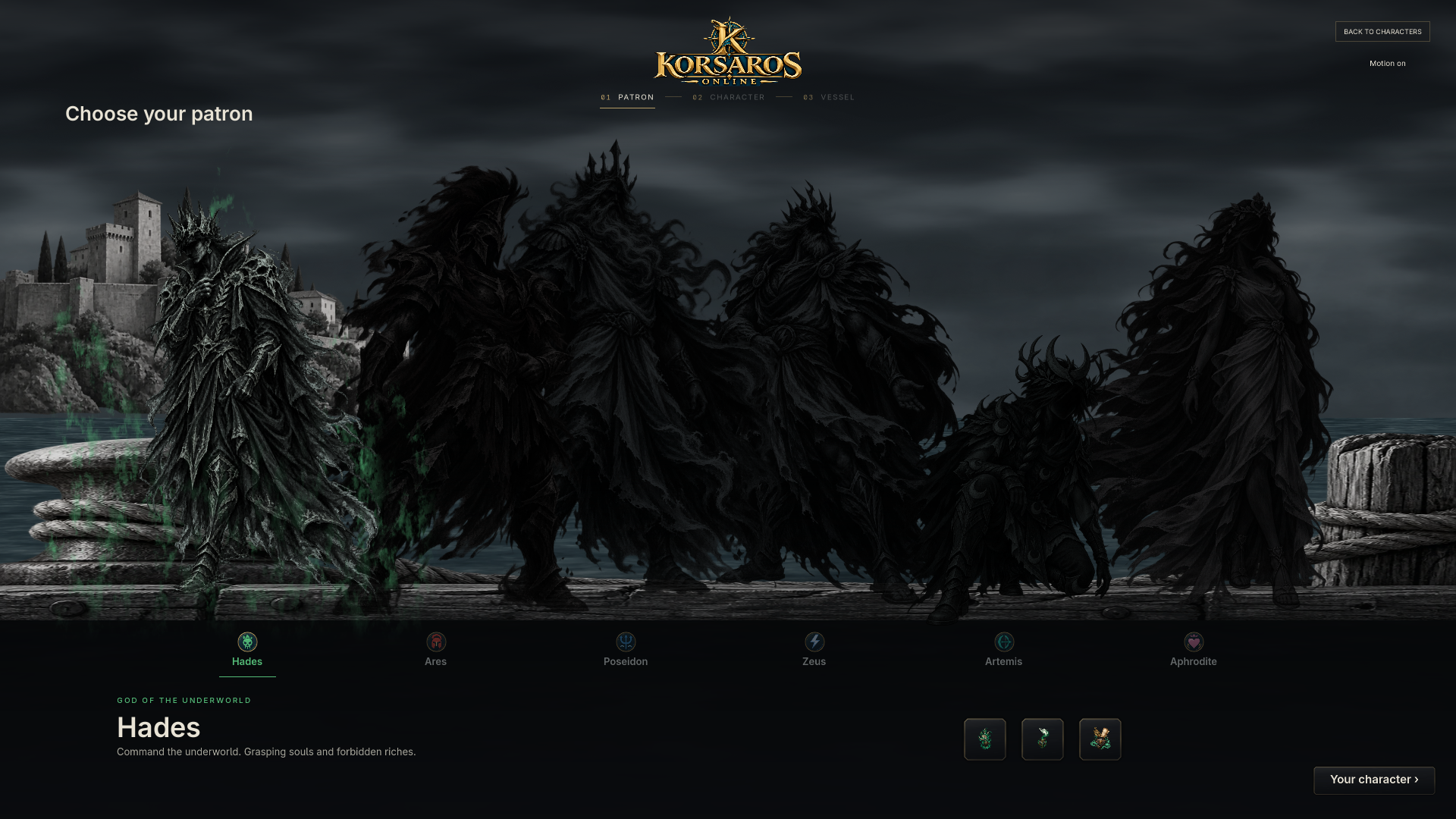
For sailors with Steam access, the game now opens directly in Godot. Sign in, choose your saved character and return to your ship with your cargo and progression. New sailors choose a patron, customise their character and pick a starter vessel. Finish the sanctuary lessons to choose a Regular Captain, then click the harbour gate to sail home. Home Passage becomes available after this first departure.
Your first patron choice is free. To change later, reach Divinity level 80 and carry 1,000,000 Coins to the new god’s statue. Each change costs the same, including a return to a previous patron.
Watch the light change from morning in Poseidon to night in Hades. Twelve NPC boats regained their original hull and sail colours. The world chart shows the Wilderness dungeon gates, and the loading screen prepares regional ships and scenery before you arrive.
A party against the gods
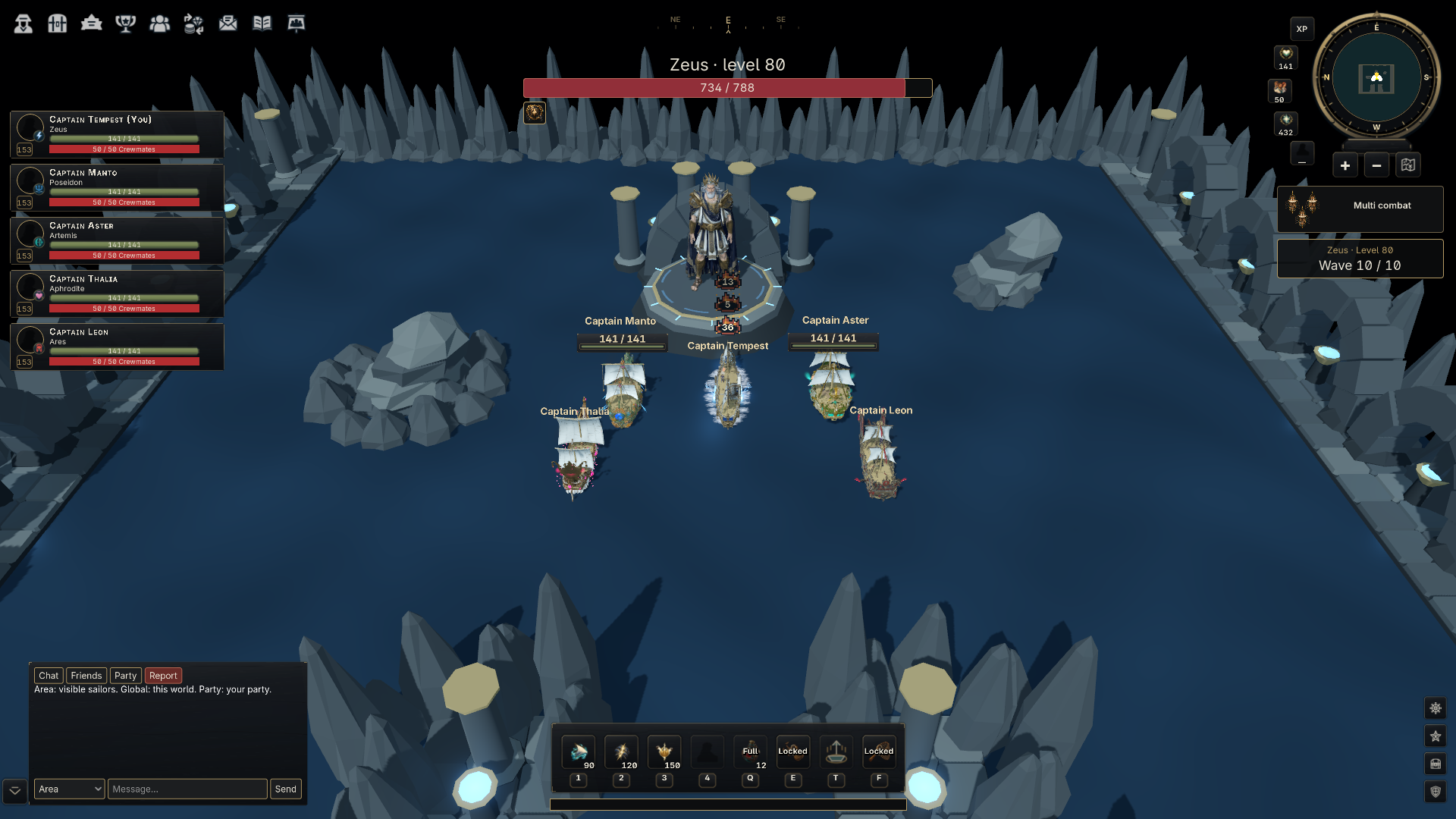
Bring three to five sailors to a Wilderness gate or queue alone for matchmaking. The western gate leads to Zeus and Hades, the central gate to Ares and Artemis, and the eastern gate to Aphrodite and Poseidon. Choose level 80, 100 or 120, ready up, and accept the invitation within 60 seconds.
Fight through nine pirate waves before facing the god in wave ten. Each participant earns a separate victory chest. Open it for the base reward, then choose individual bonus items or Take all. One possible prize is a Legendary Pet Egg.
A companion beside your ship
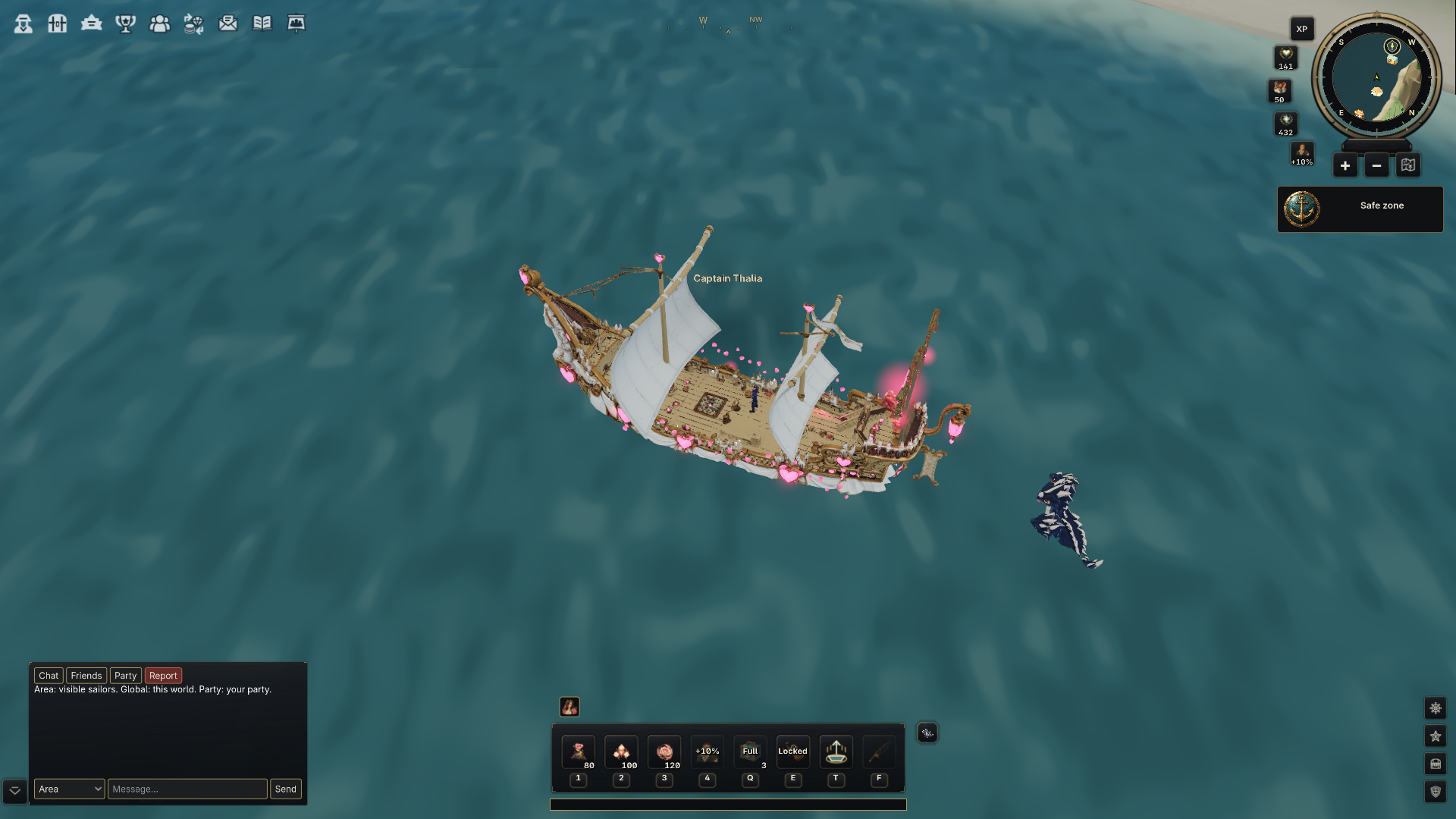
A Legendary Pet Egg has an equal chance to hatch a Hydra, Griffin, Pegasus, Harpy, Manticore or Sirene. Your companion trails your ship, turns towards its target and attacks with its own projectile. Flying pets beat their wings above the water. Hydra and Sirene swim alongside.
Followers are now about 59% of their earlier on-screen length. Click your companion to give it affection. Outside combat it gives access to 14 private storage slots that belong to your sailor. A deployed pet keeps its cargo slot so you can pick it up even with a full hold.
Official moderator mail can now deliver the six pet species, Legendary Pet Eggs and stacks of Teleport Charges. Open the letter to collect the attachment. The personal Teleport Crystal comes from a dungeon chest.
Quests, trading and the Artemis harbour
The Journal lists quests, including on older characters. Choose Find Captain for a new or active job, sail alongside the boat in its home region and click the captain to accept or claim your reward. In Artemis the bank, banker and landing are now on the shoreline beside town.
Each region runs its own Trading Center for items. A Hades listing can be seen and bought in Hades. Prices, stock and order matching follow the local market. For an older order without a recorded region, open My Orders to cancel it and collect the reserved goods or Coins.
Open Gold Market in the profile menu to exchange Coins and Diamonds across regions. Both markets retain your input, focus and scroll position while offers are on screen.
At the helm
Press M to open or close the world chart. Combat shows readable Captain skill descriptions. Inventory, Skills and Combat tabs highlight under the pointer. The upper-left profile buttons still show their tooltips, with room for labels such as Customize.
The XP table leaves space for target stats, and the safe-zone and combat-zone icons sit beside buffs and debuffs. Existing crew members can open the crew ledger below Combat level 50. Speech appears centred above the sailor who sent the message, including when it wraps onto another line.
Fresh installations start in exclusive fullscreen. Settings let you choose a monitor, display mode, interface scale, frame limit, anti-aliasing, shadows and 3D render scale. Preview a display change for 15 seconds and choose Keep or Revert.