
Camera controls and smoother trading
Rotate the camera around your sailing ship with right mouse, and switch market tabs without the window shrinking or flickering.
Live · 0.30.9 · 2026-11-05T13:47:42Z
Camera controls
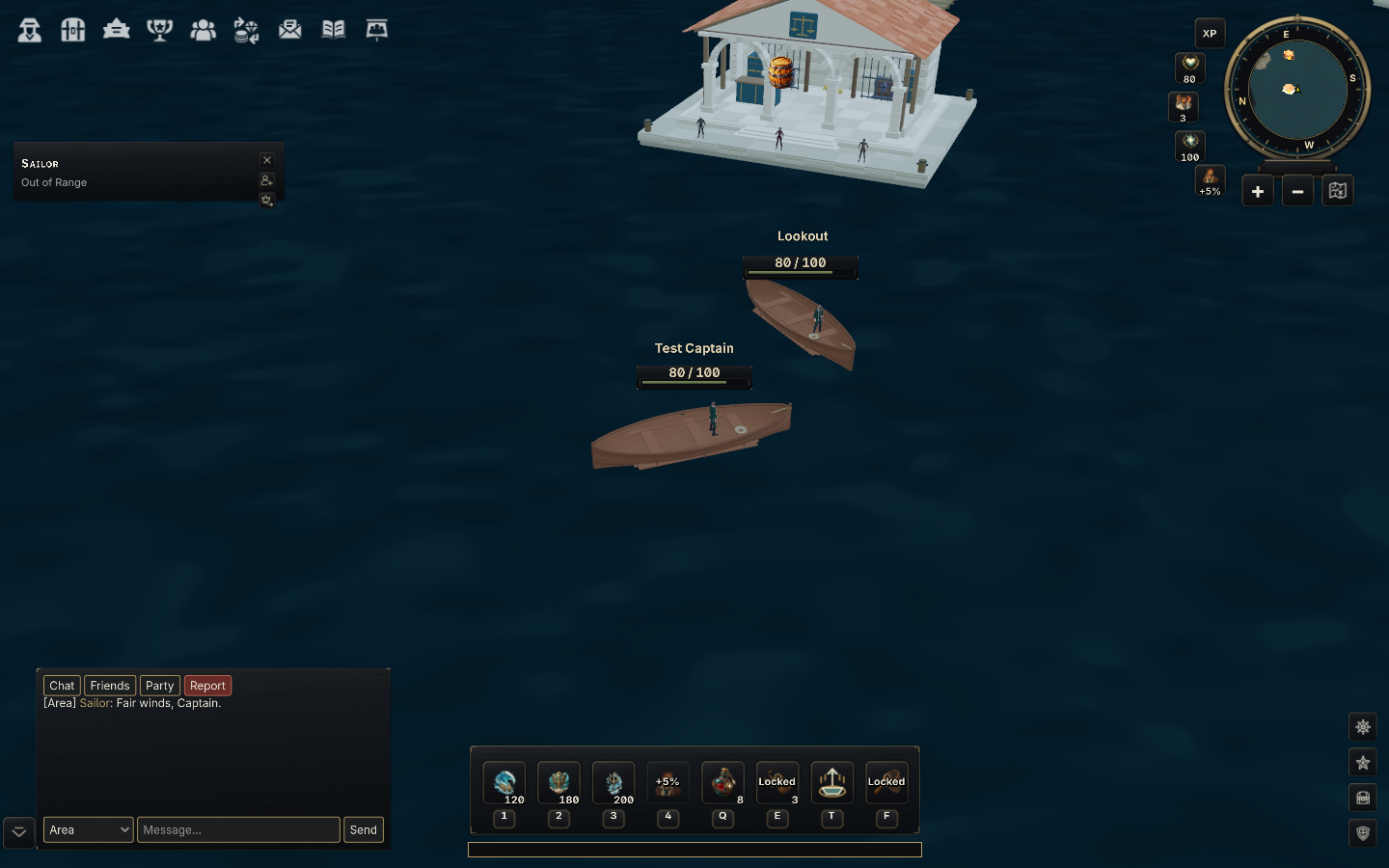
Hold the right mouse button and drag to rotate around your ship while it stays centred in view. A short right-click performs the usual context action. WASD and the arrow keys rotate the camera, and the wheel adjusts zoom.
Open Settings, choose Keybindings and use Rotate camera with right mouse to enable or disable mouse rotation. Middle-mouse free panning has been removed.
Smoother market tabs
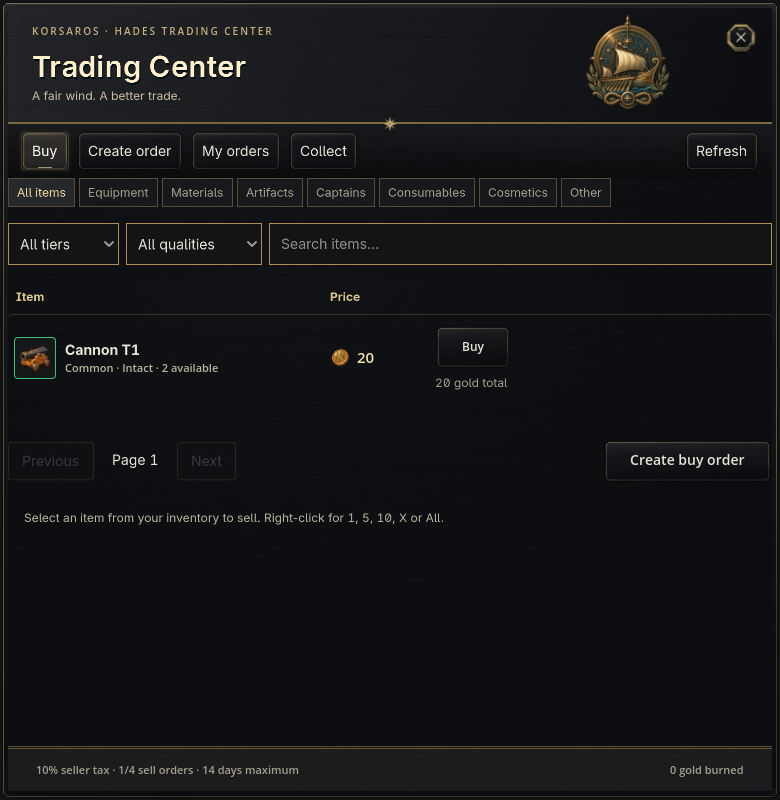
Buy, Create order, My orders and Collect now keep a steady window and tab bar. When fresh data is needed, the current page stays visible with a loading message until the next page is ready.
Background updates preserve your search text, selection and scroll position. A completed transaction respects a tab you selected while waiting. The shared Gold Market uses the same stable window behaviour.